
Google Wallet loyalty cards for small businesses
Your Android customers keep your punch card in Google Wallet, next to their boarding passes and payment cards. Nothing to download.
Try it free for 7 days. If it works for you, it's $39.99 a month. Cancel anytime.
How an Android customer joins
The same steps you would use for Apple Wallet, on the phone they already carry.
- 1
Scan the QR code
They point the phone camera at the QR by your till, or open your join link from a text or post.
- 2
Tap “Add to Google Wallet”
Your card opens in the browser with your name and colors. One tap saves it to Google Wallet.
- 3
Show it at the counter
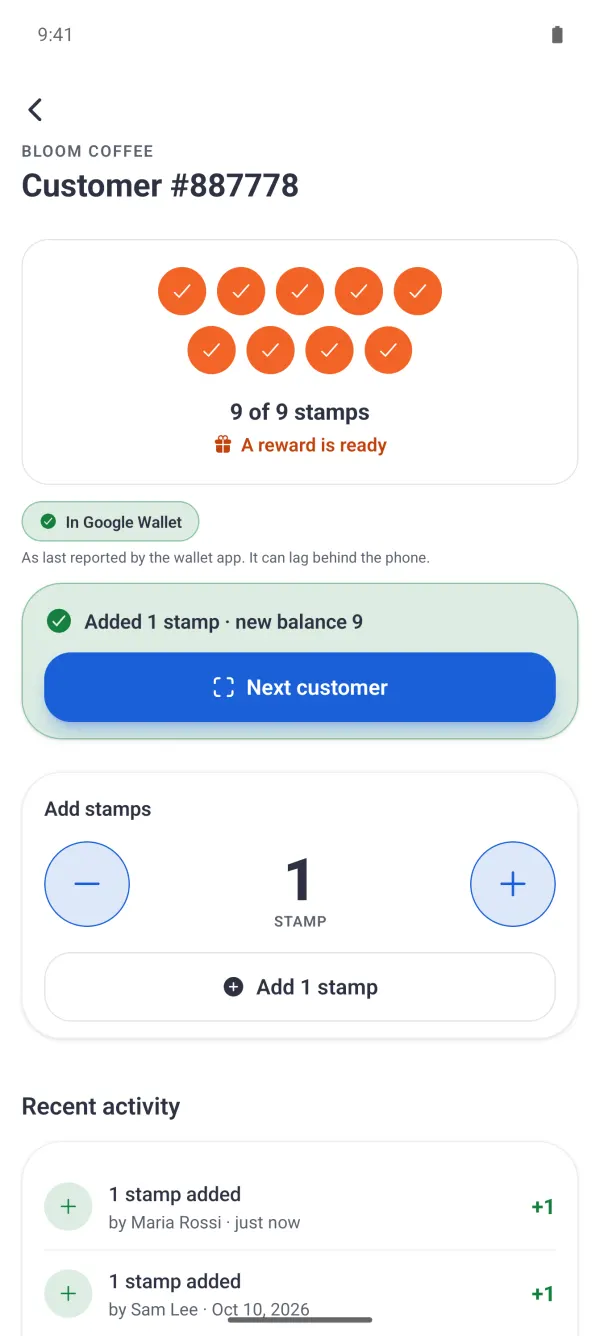
Next visit, they open Google Wallet and you scan the card with the Stallmark app. The new stamp shows up on their card.
Why Google Wallet matters for a small business
A loyalty program only works if every regular can join. If your card lives only in Apple Wallet, or only in your own app, part of your customers never use it. Stallmark issues the card to both wallets from one program, so you don't run two systems or ask Android customers to install anything.
- Punch cards or points, with more than one reward
- The card updates after every visit
- Customers can recover the card by email if they gave one
- Your team stamps cards from their own phones
For the details, read our guide to Google Wallet loyalty cards for small business, and point customers to how to add a loyalty card to Google Wallet.
The app you run it from
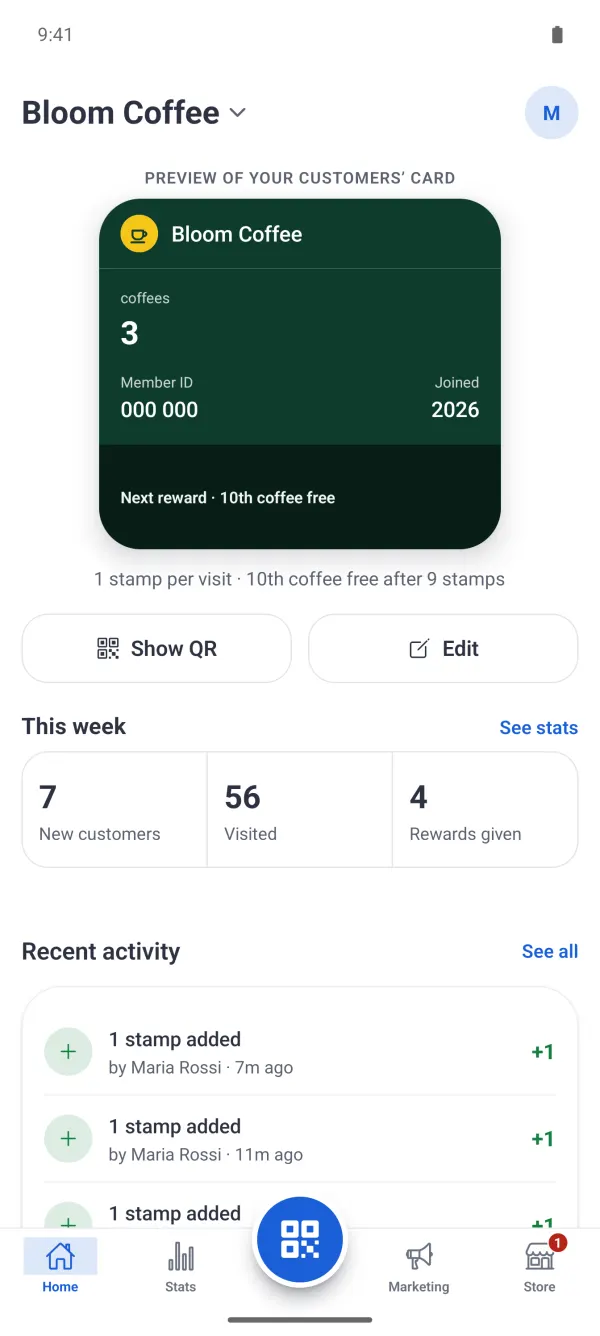
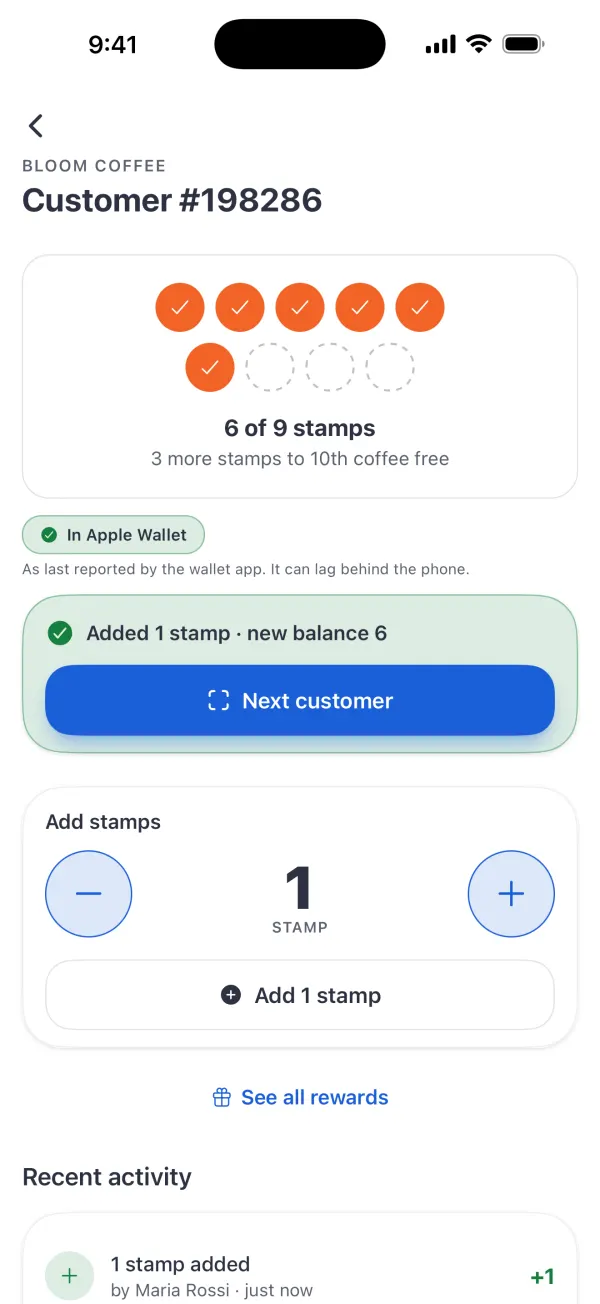
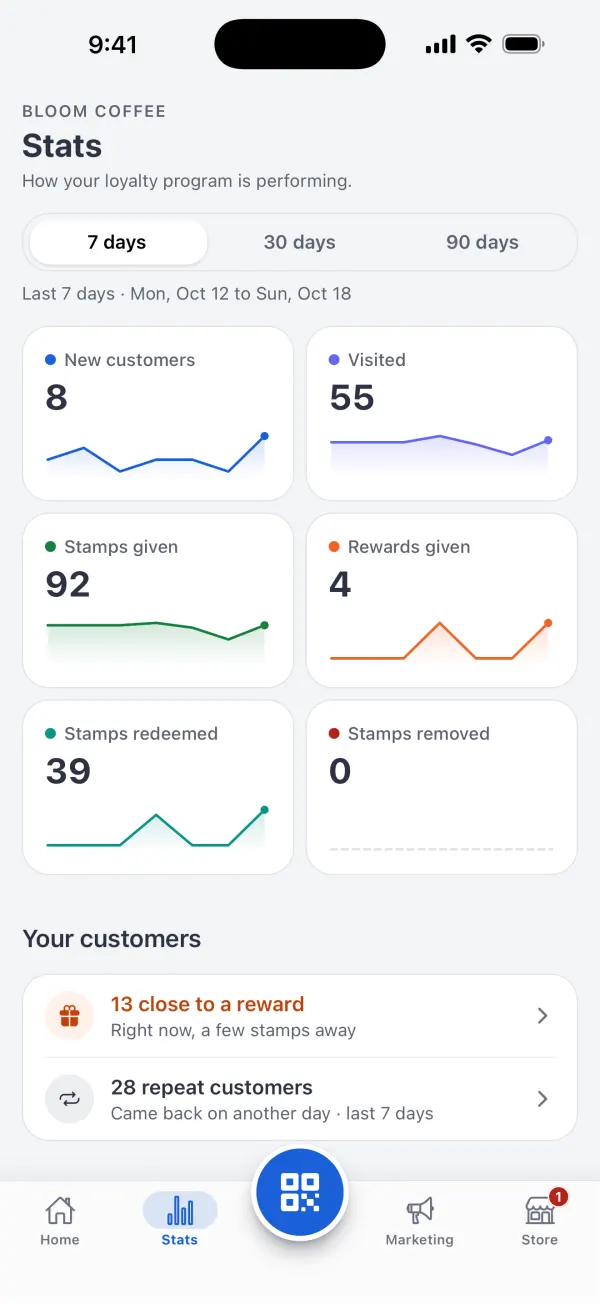
Real screens from the Stallmark app, shown with sample data.
Questions about Google Wallet cards
Do my Android customers need to download an app?
No. They scan your QR code or open your link, tap “Add to Google Wallet”, and the card is saved in Google Wallet. Google Wallet comes with most Android phones; if it is missing, Google prompts the customer to install it.
Does it work for iPhone customers too?
Yes. The same QR code offers iPhone customers “Add to Apple Wallet”. You run one program and every customer gets the card for their phone.
Does the card update after each visit?
Yes. When you add a stamp or points in the Stallmark app, the card in the customer’s Google Wallet updates with the new balance.
What does the customer need?
An Android phone with Google Wallet, signed in to a Google account. Google Wallet is available in many countries; Google keeps the current list in its help center.
What do I need as the business?
Just the Stallmark app on your iPhone or Android phone. There is no Google developer account to set up, no hardware and no POS integration.
What does it cost?
Try it free for 7 days. Then it is $39.99 a month for one store, with unlimited customer cards in both Apple Wallet and Google Wallet.
Give every customer a card, whatever their phone
Try it free for 7 days. If it works for you, it's $39.99 a month. Cancel anytime. Apple Wallet and Google Wallet included.