
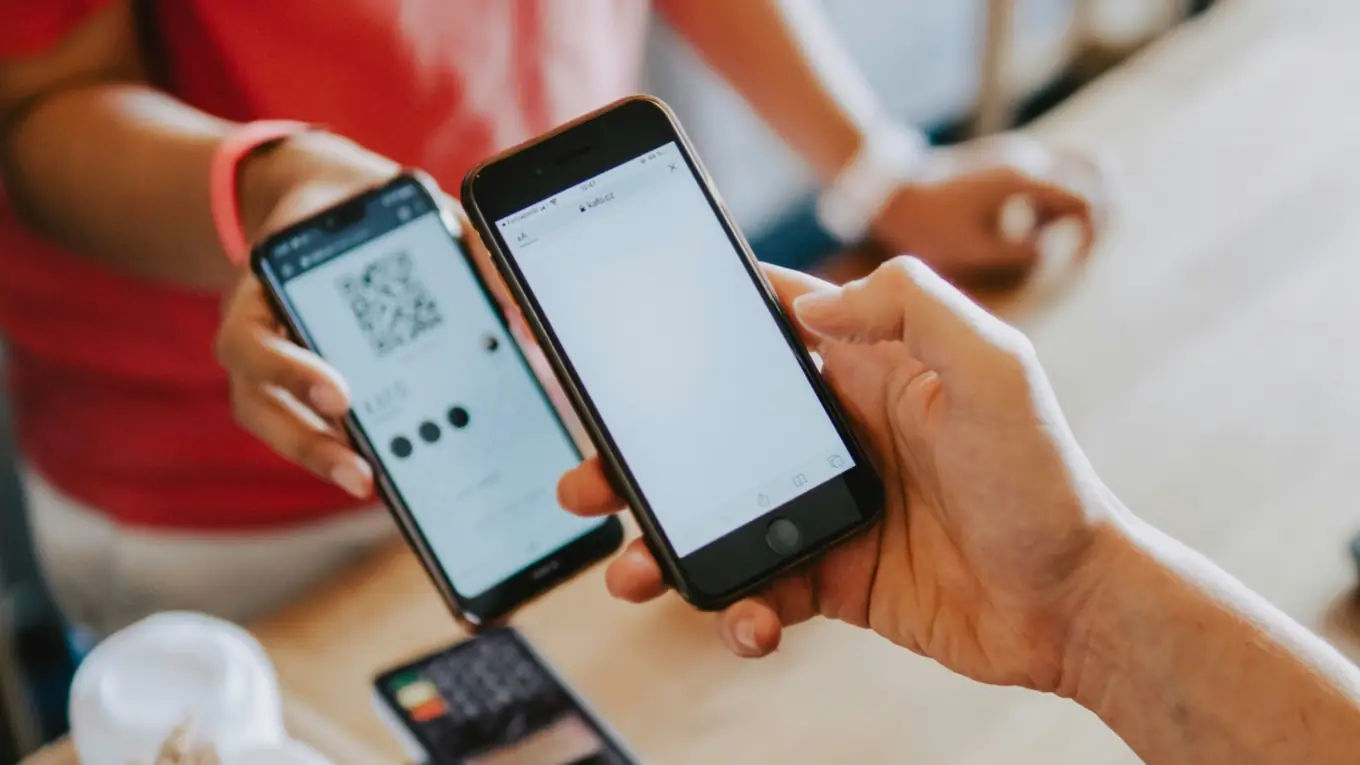
Adding a loyalty card to Apple Wallet takes a customer about ten seconds: they scan a QR code or tap a link, press Add to Apple Wallet, and the card is saved to the phone they already carry. There is no separate app to install.
This guide covers both sides of that moment: how your customers add your card, and how you, the business, create and issue one in the first place.
What is an Apple Wallet loyalty card?
It is a digital version of the classic punch card or points card, stored in the Wallet app that comes built into every iPhone. Instead of a paper card that gets lost, the card lives next to your customer's boarding passes and tickets, and its balance updates by itself as they earn stamps or redeem rewards.
How your customers add your card (no app)
From the customer's point of view, the whole process is:
- Scan the QR code on your counter or flyer, or tap your enrollment link.
- The enrollment page opens in the browser. No login, no account.
- Tap Add to Apple Wallet.
- The card is now in Wallet, ready to show at the register.
That is it. Because there is nothing to download, far more people finish enrolling than with app-based programs, where most drop off at the install step.
How to create and issue a card as a business
Before customers can add anything, you set up the card once with Stallmark:
- Install the Stallmark app and create your store.
- Pick a reward and choose a program type: stamps or points.
- Design the card with your name, logo and color.
- Publish. You now have an enrollment link and a printable QR flyer.
To issue the card in store, a customer scans that QR code and adds it to their Wallet. When they make a purchase, you scan the QR on their card to add a stamp or points. No terminal or point-of-sale integration is required. Your phone is the scanner.
What happens when a balance changes
When you add a stamp or a customer redeems a reward, the balance on their card updates by itself. Apple Wallet pushes the change to the device, so the customer always sees the correct total without tapping refresh or reopening anything. A reward they can see is a reward they come back for.
What about Google Wallet?
Google Wallet uses the same card design. Android customers see a Save to Google Wallet button on the same enrollment page, and the card works the same way: it updates on its own and shows a QR code to scan in store.
Common questions
Do my customers need an app to add the card? No. They add it straight to Apple Wallet from a web page. The only app involved is the one you, the business owner, use to run the program.
Which iPhones support Apple Wallet loyalty cards? Any iPhone with the Wallet app, which has been built in for years. There is nothing extra for customers to set up.
Is my customers' data safe? Yes. The QR code on the card carries no personal information, only a signed private ID. Customers only give an email if the shop asks for one, and their data is never sold.
How long does it take to set up? A few minutes. A guided flow takes you from your business name to a published card you can start scanning the same day.
Get Stallmark. Try it free for 7 days, then decide. No commitment, cancel anytime.